Start here
Volt Mixer guide
Volt Mixer controls the mixer inside your Universal Audio Volt 4 Gen 2 from Edge or Chrome, with nothing to install. This guide shows what every control does, and how to use them for everyday jobs.
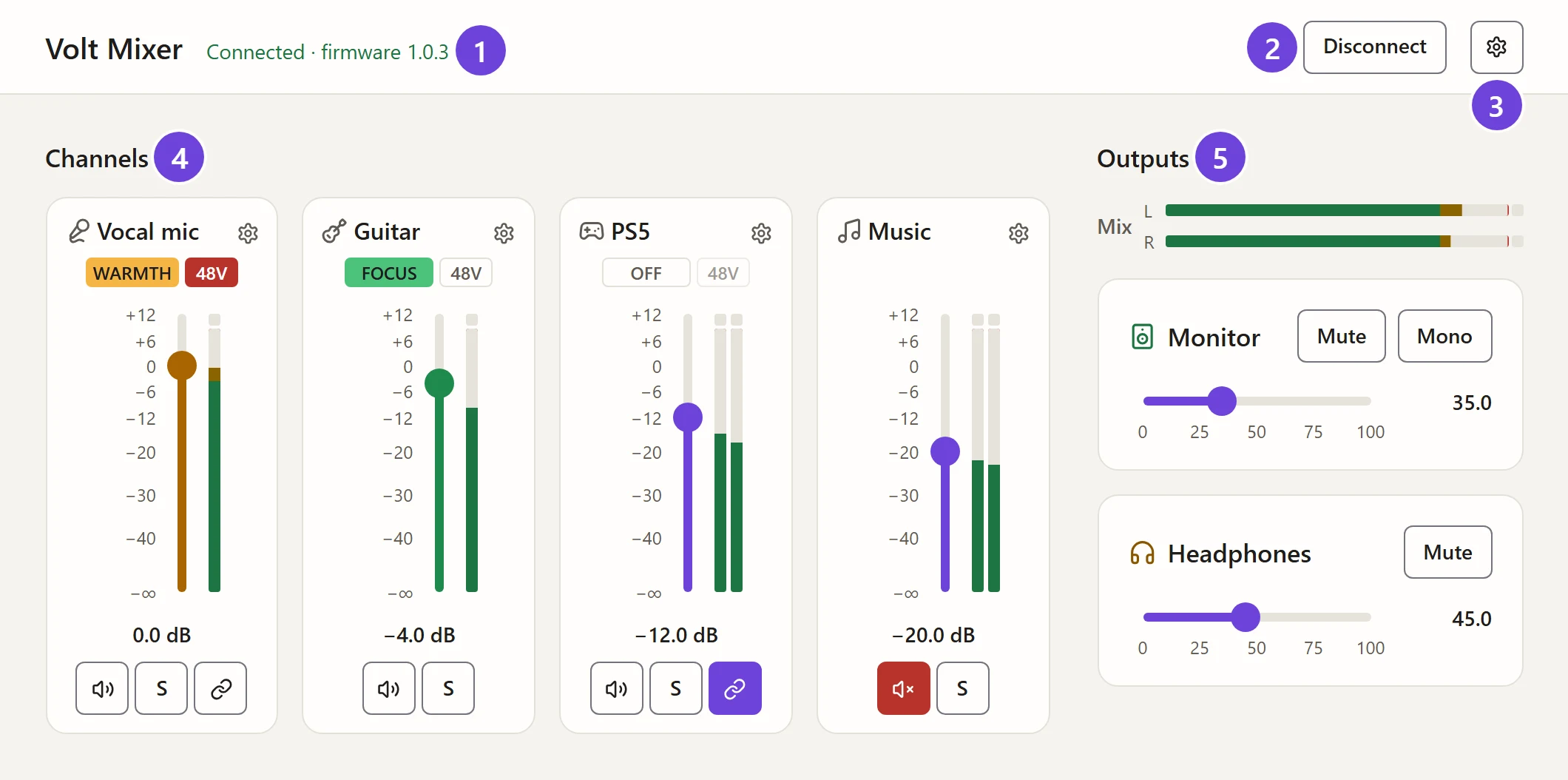
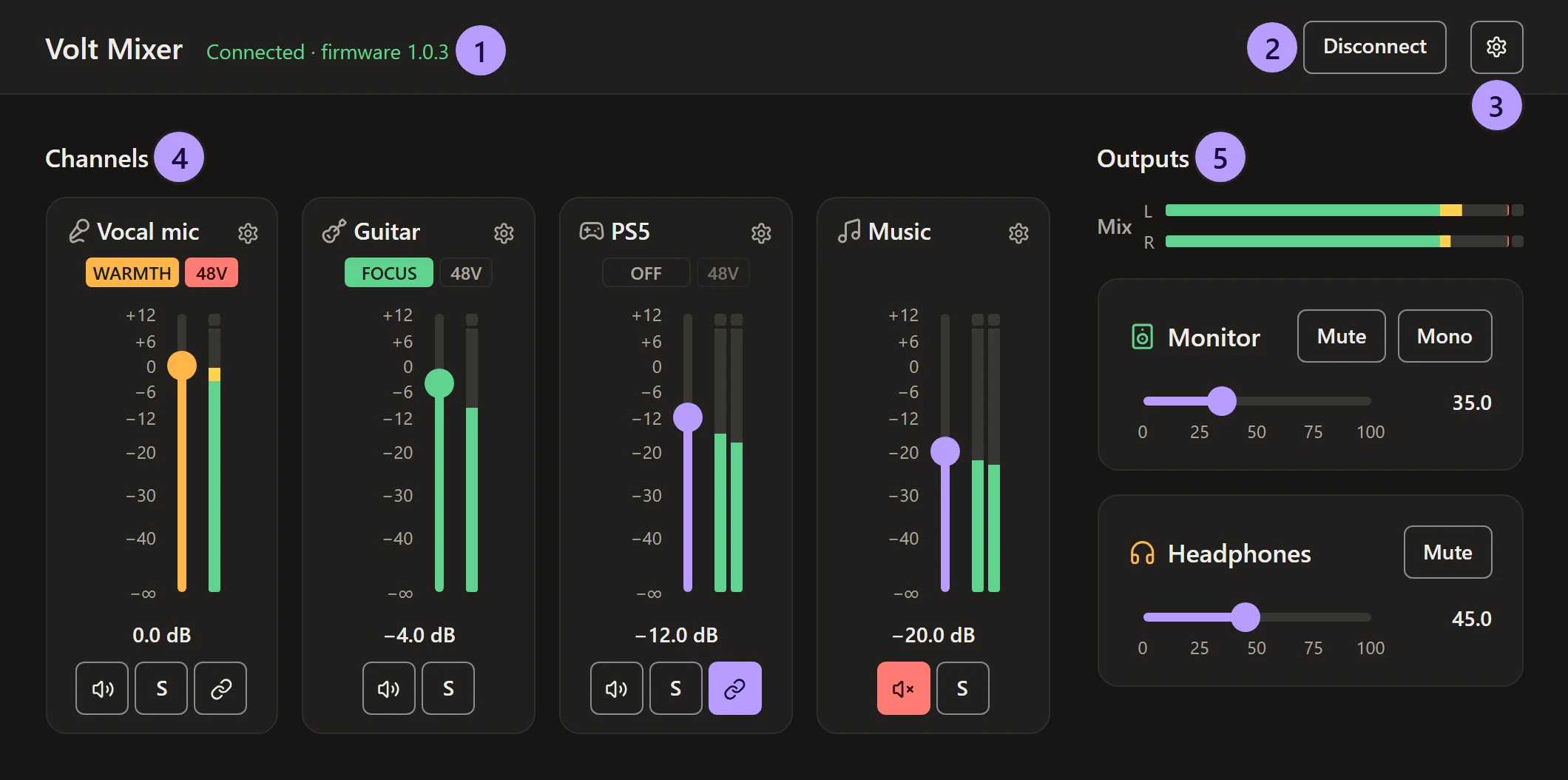
The main parts of the page:
- Connection status Whether the Volt is connected, and its firmware.
- Connect Volt or Disconnect Connects to the Volt, or lets it go.
- Settings The Volt’s own settings, what the headphones play, the view and your mix.
- Channels One strip per input. Each has its level, tone and 48V, and buttons to mute, solo or link it. See Channels.
- Outputs How loud your speakers and headphones are. See Outputs and cues.
Where to start
- Getting started Connect your Volt and choose a mix.
- Channels Every part of a channel strip, from tone to link.
- Other computers Take your mix to another computer, with a link or your phone.
- Use cases Step by step: podcasts, headphone mixes, games consoles and more.
Find what you need
| To | Go to |
|---|---|
| Set levels, tone and 48V, and mute, solo or link channels | Channels |
| Set gain, Auto-Gain and pan | Channel settings |
| Set the speaker and headphone levels | Outputs and cues |
| Give the headphones or Line Out 3/4 their own mix | Outputs and cues |
| Take your mix to another computer | Other computers |
| Get a quick mixer in the taskbar | Desktop app |
| Carry your mix, or change levels, from your phone | Your phone |
| Understand a message or fix a problem | Troubleshooting |
What you need
- A Universal Audio Volt 4 Gen 2. Other Volts aren’t supported yet.
- Microsoft Edge or Google Chrome on Windows, macOS, Linux or ChromeOS, or the desktop app. Firefox and Safari can’t talk to USB devices.
- UAD Console closed on the same computer, since it sends its own mix when it starts.