Start here
Getting started
From plugging in to a working mixer in about a minute. You only do this once on each computer.
Connect your Volt
- Plug in your Volt, and close UAD Console if it’s open on this computer.
- Open Volt Mixer in Microsoft Edge or Google Chrome.
- Choose Connect Volt. The browser lists your USB devices: pick Volt 4 Gen 2, then Connect.
- Choose a starting mix (below).
Choose a starting mix
The first time on each computer, Volt Mixer welcomes you and asks where your mix should start:
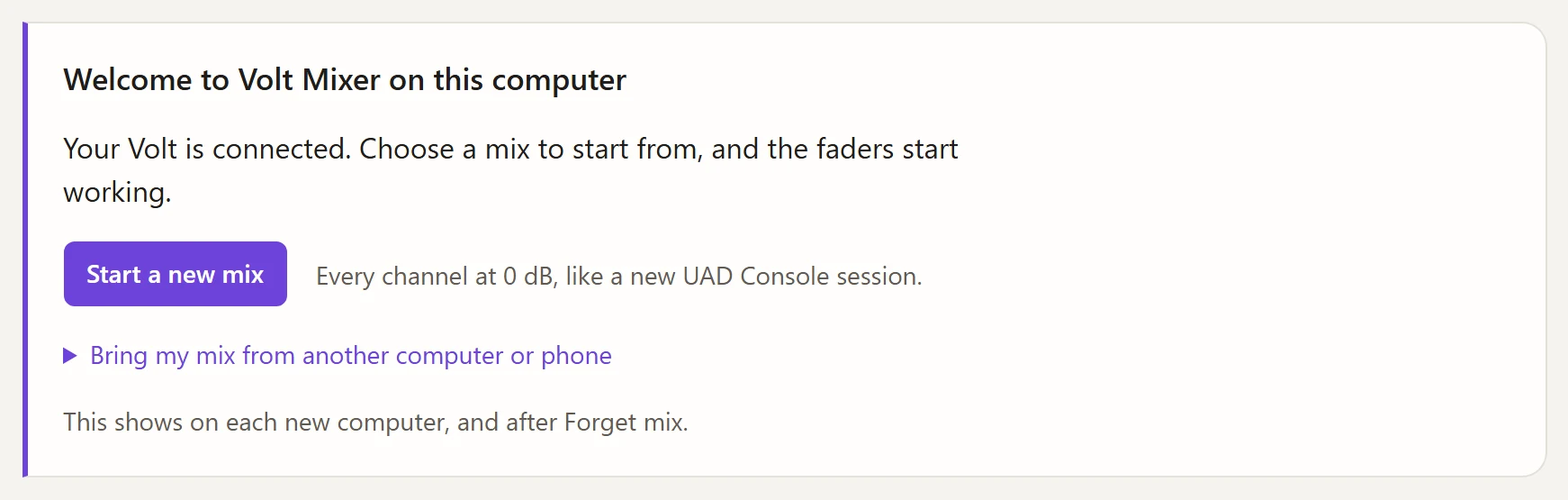
- New to Volt Mixer? Choose Start a new mix. Every channel starts at 0 dB, and the faders start working.
- Already using it on another computer or your phone? Open Bring my mix and paste its link. See Other computers.
The same panel comes back if you choose Forget mix in Settings. Your mix explains why it asks.
The status line
Beside the title, a short line says how the connection is going.
| It says | It means |
|---|---|
| Not connected | No Volt yet. Choose Connect Volt. |
| Connected · firmware 1.0.3 | Working, with the firmware the Volt reports. |
| Disconnected | You chose Disconnect. The Volt keeps playing what it has. |
| Volt not connected · on the other computer? | The Volt went away, for example a KVM switch moved it. It reconnects when it’s back. |
Good to know
- One Volt Mixer at a time. If the page is open in two tabs, the second waits and takes over when the first closes. See Other computers.
- Close UAD Console. It sends its own mix when it starts, over the top of yours.
- Nothing to install, but there’s a desktop app if you’d like a mixer in the taskbar.